
How to Check Bet History on Reddy Anna Book – Complete User Guide
January 2, 202612:39 pm· 7 min read · By Reddy Anna Book editorial
AI Overview
Checking your Reddy Anna Book bet history takes less than a minute: login, open My Account → Bet History, filter by sport, date and status, and review every stake, odds and payout. This guide shows the exact steps on web and the Android app, what each column means, common issues players face, and tips to use your history to bet smarter.
Why bet history matters
Your bet history is your personal performance dashboard. It shows how much you have staked, which markets you win most on, and where you leak money. Serious players on cricket exchange, IPL specials and match predictions treat it like a P&L statement — a habit that separates casual punters from disciplined bettors.
Step-by-step: check bet history
- 1
Login to your Reddy Anna Book account
Open the site or app and sign in with your verified ID and password. Enable OTP if you have two-factor set up.
- 2
Open My Account
Tap the profile icon in the top right and select ‘My Account’ or ‘My Bets’ from the dropdown.
- 3
Click Bet History / Betting Statement
This section lists every bet you have placed — settled, pending and cancelled.
- 4
Apply filters
Filter by sport (cricket, football, tennis), date range, and status to find a specific bet quickly.
- 5
Review the details of each bet
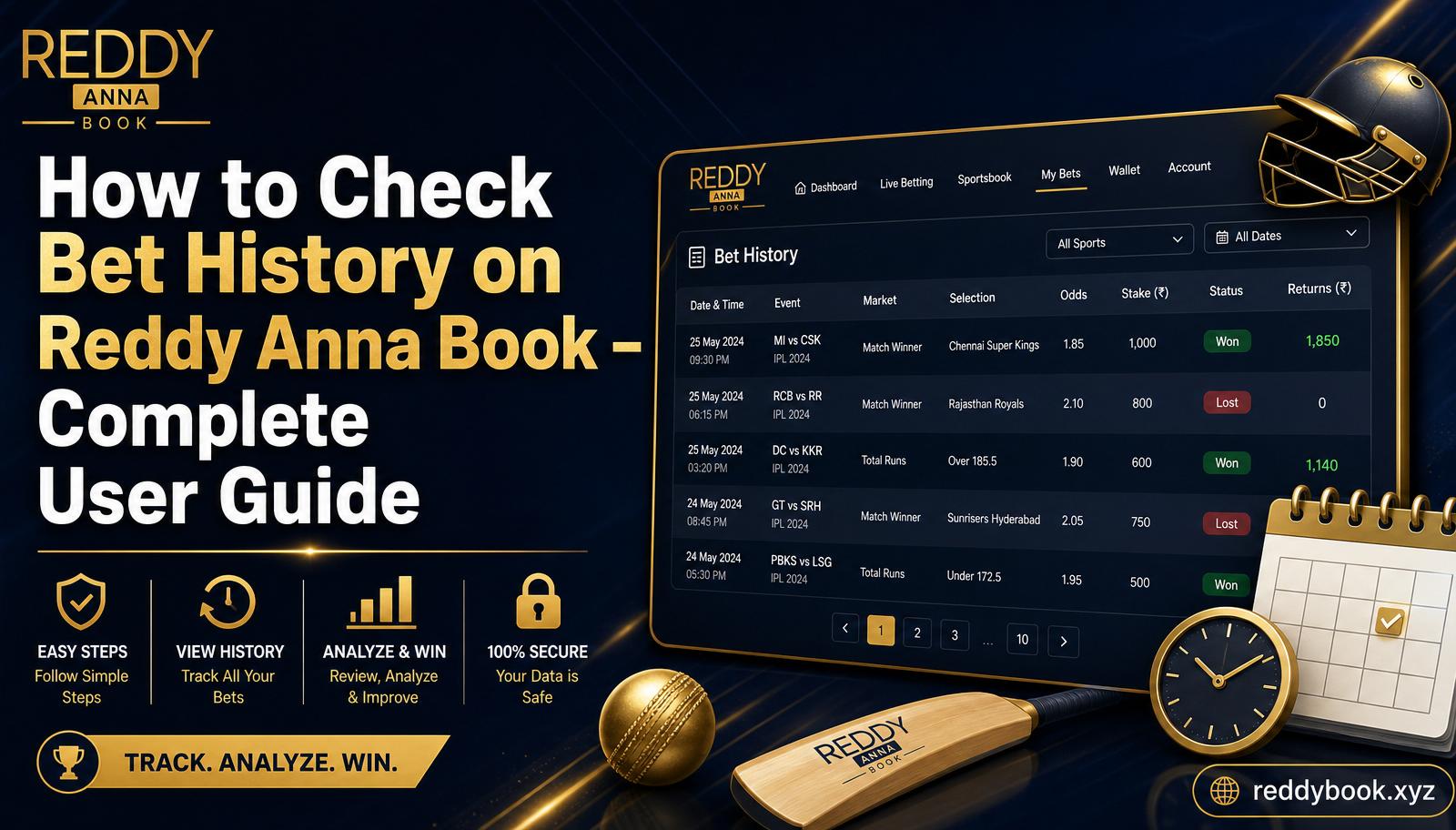
Every row shows event, market, odds, stake, profit/loss and time of settlement.
- 6
Export or save for your records
Screenshot the page or ask your agent for a full statement to track ROI and manage your bankroll.
What each column means
Date & Time
When the bet was placed and settled.
Event
Match or race the bet was linked to.
Market
e.g. Match Winner, Over Runs, Session, Fancy.
Selection
The team, player or line you picked.
Odds
Back or lay price at bet confirmation.
Stake
Amount you risked on that bet.
Status
Won, Lost, Pending, Void or Cashed-out.
Returns / P&L
Final payout and profit or loss.
Smart ways to use your history
Common issues & fixes
| Issue | Likely reason | Fix |
|---|---|---|
| Bet not showing up | Wrong date filter or unsettled market | Reset filters and check Pending status |
| Wrong settlement | Market rule confusion or scoring error | Screenshot bet + result and contact your agent |
| History looks incomplete | Default 30-day view | Change date filter to ‘Custom Range’ |
| Cannot open on app | Outdated app version | Update the app or use the mobile browser |
Frequently asked questions
How far back can I check my bet history?
Default view is 30–90 days. Use the custom date filter to view older records.
Where is bet history on mobile?
Tap the menu icon → My Account → Bet History. Available on both mobile site and the Android app.
Can I see pending bets separately?
Yes — filter Status to Pending to view only unsettled bets.
Why is a bet missing?
Check your date filter first. If it is still missing, message your official Reddy Anna WhatsApp agent.
Can I download a full statement?
Screenshot the page or request a monthly statement from your agent for records.
Need help with your account?
Message the official Reddy Anna Book WhatsApp for statement or history support.
WhatsApp +91 82949 24767Disclaimer: Informational only. Online betting laws vary by Indian state — play responsibly and only if you are 18+.